

Alebrije
Match three or more and build your collection of alebrijes.
- Version 1.1.0
- 1 player
- Adventure and idle
- Web: available now in the browser (1.1.0). Android: closed testing (Play has 1.0; 1.1.0 is not published yet)
Android
- Open in Chrome
- Menu
- Install app
iPhone
- Open in Safari
- Share
- Add to Home Screen
What it is about
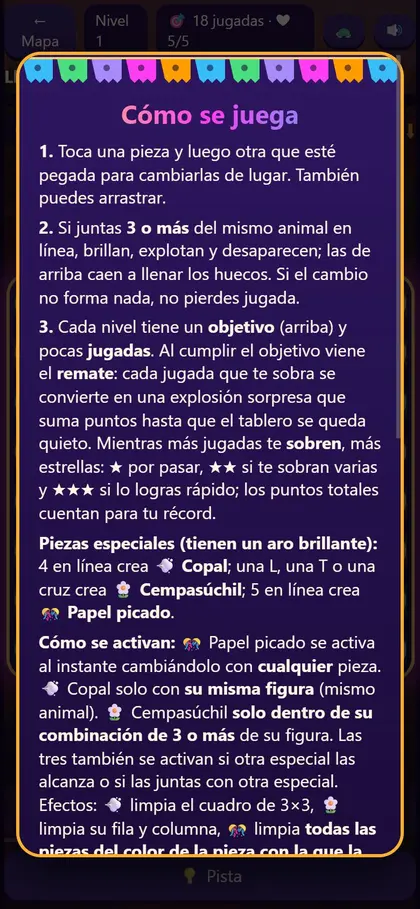
A match-3 game of Mexican alebrijes: swap neighboring pieces and line up three or more of the same animal; they burst and the ones above fall to fill the gaps.
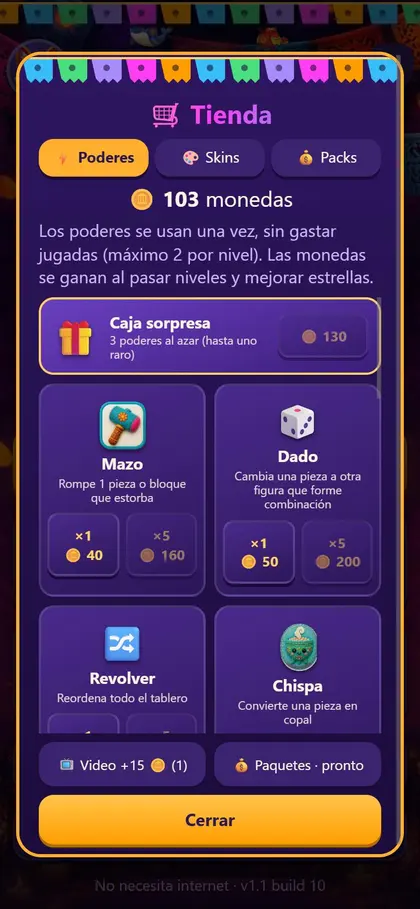
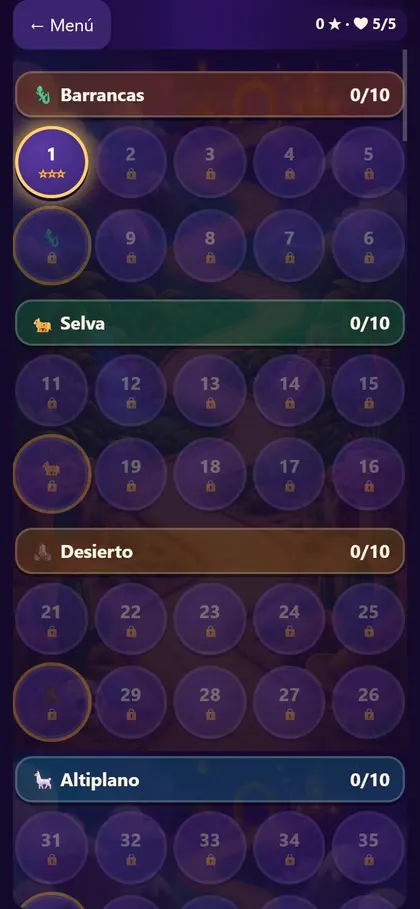
Levels run through zones (Barrancas, Selva, Desierto, Altiplano and more), with a daily challenge, a shop with power-ups (Mazo, Dado, Revolver, Chispa, surprise box), skins and a leaderboard.
Description based on the game's own screens (version 1.1.0 build 10); an official store listing is still missing. Pending native review of the English.
Screenshots
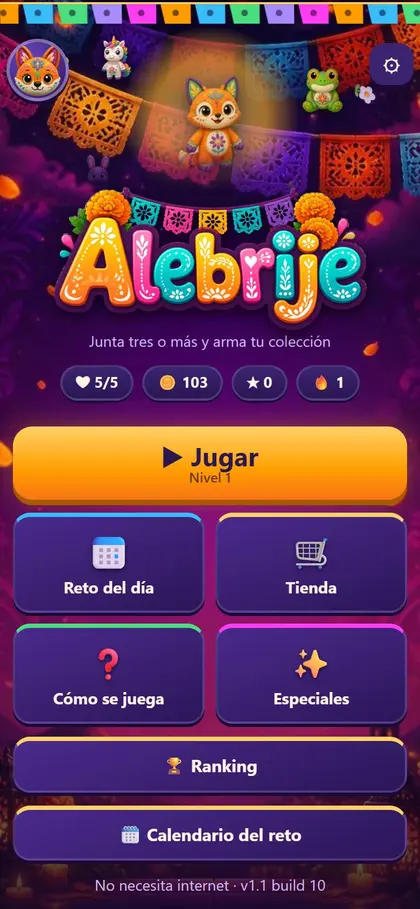
Swipe to see more →
What to do
- Tap a piece and then a neighboring one to swap them (or drag).
- Line up 3 or more of the same animal; each level has a goal and a limited number of moves.
- Make 4 in a row to create a Copal, an L, T or cross for a Cempasúchil, and 5 in a row for Papel picado: special pieces with big effects.
- Earn stars and coins, and spend them in the shop on power-ups and skins.
How it works
Single player, on your phone (browser or Android app). Played on: Web browser, Phone, Android.
- Version
- 1.1.0
- Players
- 1
- Category
- Adventure and idle
- Language
- Spanish (Mexico)
- Availability
- Web: available now in the browser (1.1.0). Android: closed testing (Play has 1.0; 1.1.0 is not published yet)
- Ads
- None on the web
Install on your phone
Android (Chrome)
- Open nebuloo.com in Chrome.
- Tap Install, or the ⋮ menu and Install app.
- Open Nebuloo from your home screen.
Coming soon to Google Play.
iPhone (Safari)
- Open nebuloo.com in Safari.
- Tap the Share button.
- Choose Add to Home Screen.
It is not a download: a shortcut to the website is added.
Sign in with Google
Coming soon. Today you can play without an account; once sign-in arrives you will be able to save your progress across devices.